_Step_1.jpg)
Drying & feeding
AMS 2 Pro drying power: P1S, P2S and external adapters
Check when AMS 2 Pro needs an external power adapter on P1S or P2S, why standby and printing differ, and what an adapter does not change.
Read the guideDesktop printing / Practical setup guides
Get the workspace, filament and feeding setup right. Our guides explain the requirements that a printer’s specification sheet leaves you to work out.
Find your setup guideStart with the space and equipment you already have.
Start here
Drying & feeding
Check when AMS 2 Pro needs an external power adapter on P1S or P2S, why standby and printing differ, and what an adapter does not change.
Read the guideWorkspace
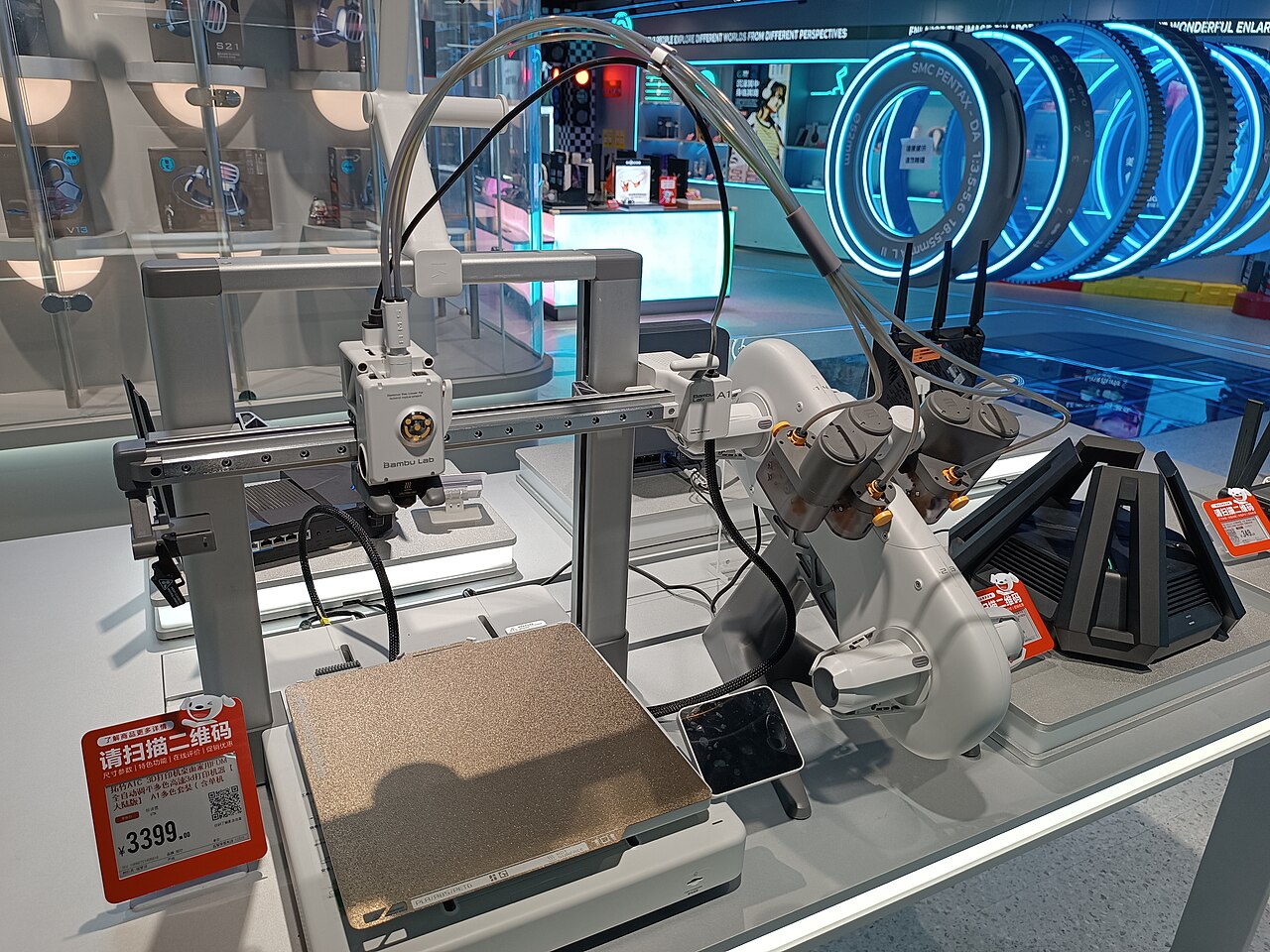
Plan a Bambu A1 workspace using its body dimensions, the official front and rear clearance diagram, and AMS lite placement. Check your clear depth with the tool.
Read the guidePlan before adding parts
Clearance, compatible hardware and the material’s preparation requirements can matter as much as the machine you choose.
Measure the working space. The printer’s body dimensions are one part of the station.
Check the exact route. Feeding, drying power and supported printing modes answer different questions.
Use what you already have. Check supplied and retained parts before buying another accessory.
How we research