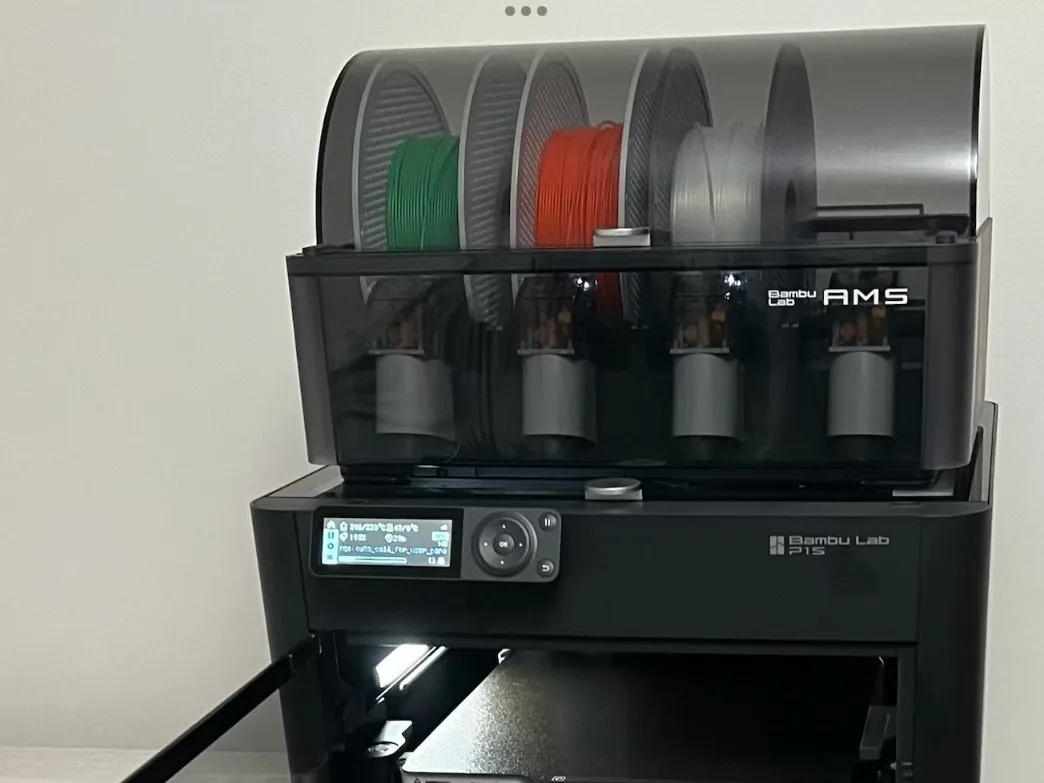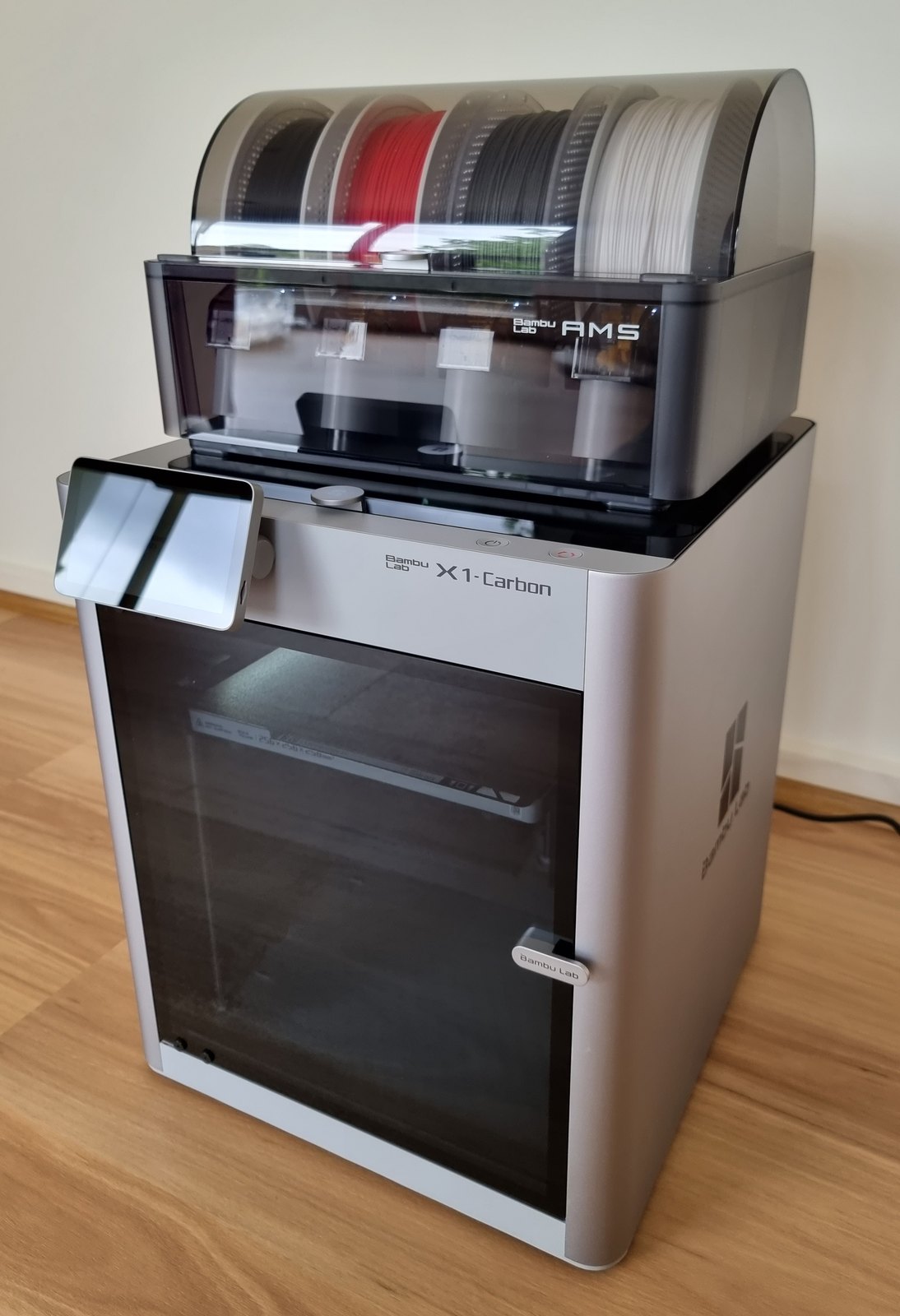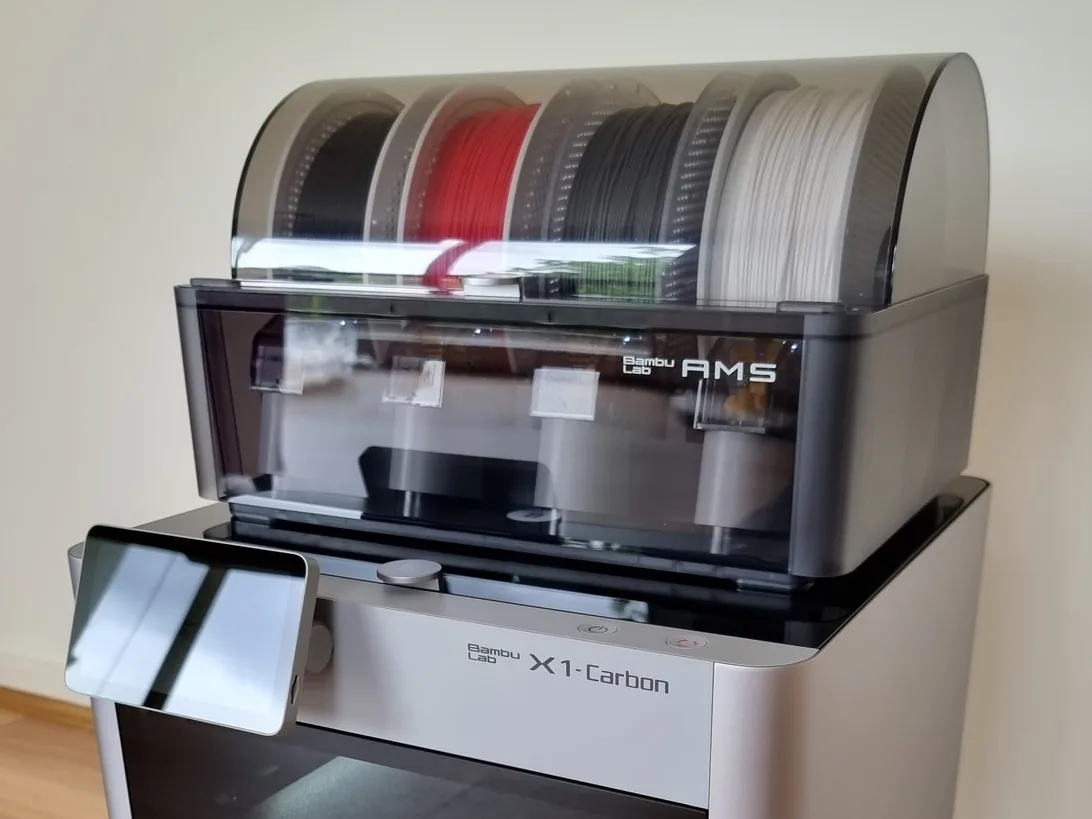
If your original AMS feeds reliably and you already have a way to dry your filament, keep it. AMS 2 Pro makes sense on a P1S or X1C if you want to dry compatible filament between jobs, need four more feed slots, or need to replace a feeder that no longer works. Both feeders hold four spools. The original AMS uses desiccant to keep stored filament dry. The AMS 2 Pro adds heated drying, which needs a separate power adapter on the P1S and X1C.
Bambu listed AMS 2 Pro at $229 in the US on November 10, 2026. A one-unit drying upgrade with the other connection parts already in place came to $261.99. Adding a second feeder can cost more because the single-unit buffer gives way to a hub.
Decide what you need the feeder to do
| Your situation | What I’d do | Check before ordering |
|---|---|---|
| The original AMS works and you have suitable filament preparation | Keep it | The original unit can still feed and store filament with desiccant |
| You want to dry a compatible spool between jobs | Price AMS 2 Pro with external power | Check the filament’s drying schedule and which parts transfer |
| The original AMS needs a repair | Price repair against a complete one-unit replacement | If you only need feeding, leave the drying adapter out of the comparison |
| You regularly need more than four feed slots | Add AMS 2 Pro beside the original | Confirm the hub, cables, tubes and space for both lids to open |
Bambu’s service guide shows quick couplers on the AMS 2 Pro’s internal PTFE tubes. Reaching them still requires opening the unit. Compare the full replacement cost with the price of fixing the part that actually failed.
Check what is already behind your printer
For the P1S and X1C, Bambu’s connection guide shows a Filament Buffer for a typical one-unit setup and an AMS Hub for two or more. Bambu also lists a compatible AMS Hub for one unit, so you can keep it if it’s already installed and matches the connection guide. Both routes use the required 4-pin bus cable and PTFE connections. Check the drawing for your actual layout, including any separate 4-in-1 PTFE adapter it calls for.
Before pricing either route, list the following parts beside the printer:
- Buffer or hub. Record the exact part you have. A single-unit buffer won’t connect the original AMS and an AMS 2 Pro together.
- Bus cables. Check the 4-pin cable. Use the 6-pin cable supplied with AMS 2 Pro for the new unit. Bambu identifies the 6-pin cable packed with its separate hub as an original-AMS cable.
- PTFE tubing and couplers. Check how many connections the diagram shows and which of the supplied pieces will reach.
- Power. Include one official Switching Adapter for each AMS 2 Pro you plan to use for drying. For automatic feeding alone, price the connection parts without the drying adapter.
Bambu’s AMS 2 Pro page limits X1/P1 to four combined units. Count the equipment you already have before choosing a larger configuration. The AMS 2 Pro chassis measures 372 × 280 × 226 mm. Allow room to open each lid, lift out spools and route tubes behind the units.
Price the route that fits your setup
These are Bambu’s US store prices on November 10, 2026, before tax and delivery. Both the one-unit and multiple-unit feeder selections showed $229.
| Example setup | Known merchandise subtotal | What this assumes |
|---|---|---|
| Keep your working original AMS | $0 for a new feeder | You already have the feeding hardware you need |
| Replace one unit for feeding only | $229 | You have verified a compatible buffer or hub, cables and PTFE connections |
| Replace one unit and dry between jobs | $261.99 | The same parts transfer and you need the $32.99 adapter |
| Add a second unit and buy a hub and adapter | $310.98 | The $48.99 hub and $32.99 adapter are your only priced extras. Add any other parts you’re missing |
If your one-unit setup needs the X1/P1 Filament Buffer, Bambu listed it separately at $24.99. For a two-unit setup, check the X1/P1 AMS Hub and the Switching Adapter against what you already own. For example, adding one 260 mm 4-pin cable at $3.99 and one PTFE coupler at $4.99 brings that $310.98 example to $319.96 if you already have enough tubing and the coupler fits your layout.
Bambu’s Hub compatibility kit includes the hub, adapter, 4-pin cable, three PTFE couplers and three PTFE tubes. The separate listing showed $66.47 and a November 16 ETA. Bambu’s feeder page marked the discounted kit add-on sold out. Confirm the exact kit can be ordered before counting it in your budget. If you buy that kit, the adapter is already included.
Check firmware and when you can dry
Bambu added AMS 2 Pro support in P1 Series firmware 01.08.00.00 and X1/X1C firmware 01.09.00.00. Check Bambu’s current update instructions before connecting the new feeder, especially if your P1S is on an older release.
The official drying guide excludes P1S and X1C from its simultaneous automatic feeding and drying mode. On these printers, plan to dry between print jobs. The external adapter powers drying, and the AMS 2 Pro still needs a 6-pin connection to a powered printer. If you’re deciding whether to change printers for a different drying workflow, see our P1S vs P2S comparison and AMS 2 Pro power guide.
Let the filament decide whether drying is worth buying
Bambu’s US product notes say the AMS 2 Pro can only reach its 65°C drying maximum when the room is above 25°C. Start with the drying instructions for your exact spool. The name on the box can be misleading here. Bambu TPU for AMS has a forced-air drying schedule of 70°C for eight hours. Bambu’s equipment-specific drying table lists 65°C for 12 hours in the AMS 2 Pro and warns that the spool may still need more drying. If you need the forced-air schedule, plan for equipment that can hold 70°C.
Before you spend anything, write down the job you want the new unit to do, the parts you can reuse and the cost of filling the gaps. If your original AMS already feeds the filament you use, buying the preparation equipment for that spool may be the smaller upgrade.