Affiliate disclosure: As an Amazon Associate I earn from qualifying purchases.
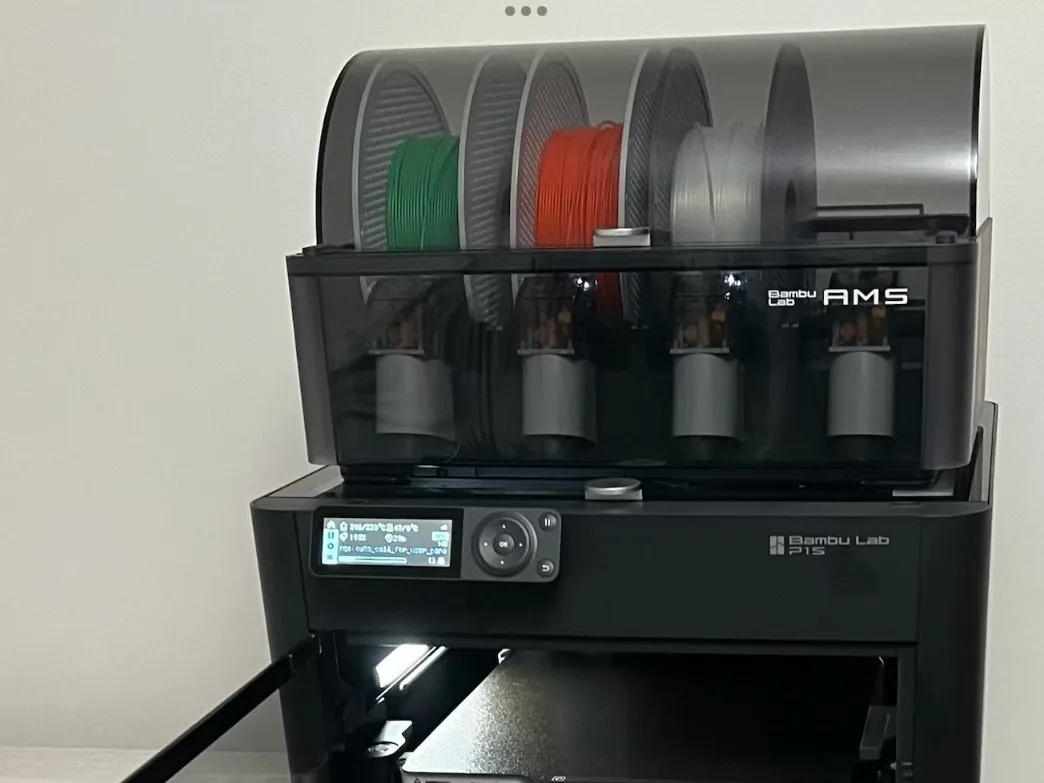
Choose the A1 Combo when you want its included AMS lite colour workflow and your intended material and workspace suit an open-frame printer. Choose P1S standalone when an enclosed single-spool start better matches the project. At the checked US prices, the A1 Combo is $359 and P1S standalone is $349. That $10 difference matters less than buying the configuration your first project needs. Don’t count an automatic feeder in the P1S box just because it appears in a Combo photograph.
Bambu’s US store listed those prices on November 23, 2026, before tax, delivery, filament and other required equipment. If you don’t need automatic colour changes, the $259 standalone A1 deserves a place in the decision too. Spending more is optional.
The box contents matter more than the $10 difference
The A1 Combo listing supplies A1 and AMS lite: the feeder body, stand, four rotary spool holders and tubes. It is a four-spool automatic feeding arrangement. The standalone P1S listing supplies the printer without an automatic feeder.
| What you buy now | Selected US price | Automatic feeding included |
|---|---|---|
| A1 standalone | $259 | None |
| A1 Combo | $359 | AMS lite |
| P1S standalone | $349 | None |
| P1S original-AMS Combo | $479 | Original AMS |
| P1S AMS 2 Pro Combo | $509 | AMS 2 Pro |
The two P1S colour packages cost $120 or $150 more than the A1 Combo. They also contain different feeder generations. AMS 2 Pro’s drying function should not be assumed for AMS lite or the original AMS.
If a retailer offers a similarly named bundle, read that retailer’s exact contents. These prices bind the cited Bambu US selections, not every merchant or package shown in search results. Check the current basket and delivery to your destination before buying.
Make the first project decide between them
Imagine you want to make small desk organizers or decorative pieces in several colours using a permitted PLA grade. The A1 Combo already includes the automatic feeder for that job. A $349 P1S does not. If both the material and intended desk arrangement qualify, I would pay the extra $10 for the supplied colour system rather than choose an enclosure you don’t need for that particular project.
Now change the requirement: you need an enclosed printer for a documented material workflow and are happy to start from one spool. The P1S becomes more relevant. Adding colour later is a separate purchase, not a reason to pretend the first basket contained it.
Four loaded colours still feed one nozzle on A1. Its current FAQ discusses purge handling and toolhead travel during filament changes. Check the actual slice’s material and time estimates, including required purge and support structures, before pricing a coloured part. The feeder automates changes; the visible model is not necessarily all the material the job uses.
For occasional colour changes between layers, an automatic feeder may be unnecessary. A1 firmware 01.08.00.00 added manual colour changes from the external spool holder with Bambu Studio 2.5.2.65 or later. You still have to swap the filament yourself; it does not turn a standalone printer into an automatic colour system.
Write down the first useful part, its material and whether it needs automatic changes before choosing the box.
Material support has three separate checks
Check the printer, the feeder and the preparation instructions for the exact grade. A printer’s TPU listing does not mean ordinary TPU can travel through the included feeder, and a nominal nozzle temperature does not settle drying or enclosure requirements.
The current A1 FAQ describes PLA, PETG, TPU and relevant support materials, then qualifies conventional higher-temperature materials. It says small, low-infill parts may be possible, while larger or high-infill parts face increased warping and reduced interlayer-strength risk because of the open frame and lower chamber temperature. Dryness, model shape, settings and ambient temperature also affect that guidance.
That does not support either blanket claim that “A1 cannot print ABS” or that it is a general substitute for an enclosed engineering-material setup. For a demanding material requirement, use the current grade’s instructions and a printer route intended for it. Bambu also discourages enclosing the A1; don’t make an improvised cabinet the missing step in this comparison. The same FAQ warns that ABS and ASA release harmful, irritating gases. An enclosure alone does not establish safe room air; follow the exact material’s ventilation and filtration guidance before choosing where to print.
For abrasive grades containing hard particles, the A1 FAQ requires a hardened nozzle rather than its standard stainless nozzle. The P1S FAQ calls for both hotend and extruder upgrades before fibre-reinforced printing. An enclosed P1S is not automatically ready for every filled filament in stock form.
If flexible material is the whole reason for the purchase, establish its supported external or automatic feed route first. Buying an AMS-equipped package does not make every flexible grade an automatic-feeding job.
Check the A1’s moving workspace before spending the money
A1’s 465 × 410 × 430 mm listed body is not its complete operating space. Its bed moves, AMS lite sits separately in the ordinary side arrangement, and the fitted spools and tubes need room.
The official A1/AMS lite quick-start diagram, PF002-A/SA005, illustrates 198 mm behind and 90 mm in front of the printer. With the listed 410-mm body depth, the preliminary clear-depth calculation for that cited arrangement is:
410 + 198 + 90 = 698 mm, about 27.5 inches.
The current A1 FAQ separates 195 mm of rear clearance for bed movement from its 198-mm rear cable-clearance diagram. Its 695-mm bed-motion calculation is not a reason to trim the cable reservation. Keep the cable clear of the wall and check the actual installed arrangement.
A hypothetical 650-mm clear-depth allowance is 48 mm short of the 698-mm reference. A 762-mm allowance leaves 64 mm beyond it. Neither result checks the support surface, feeder width or handling access. Our A1 desk-space guide walks through that distinction and includes the depth tool.
The same diagram recommends a 50-mm gap between printer and AMS lite in its pictured side layout. That is a gap, not the whole station width. Mark the fitted spools, cable route and space for changing filament rather than adding only two chassis rectangles.
P1S has a listed 389 × 389 × 458 mm body, but its smaller chassis numbers don’t certify a particular shelf or cabinet either. Account for the actual spool or feeder arrangement, rear connections, plate removal and service access using its installation instructions. A closed box is not evidence that you can push it tightly into a cupboard.
Shared print-volume numbers don’t make every project fit
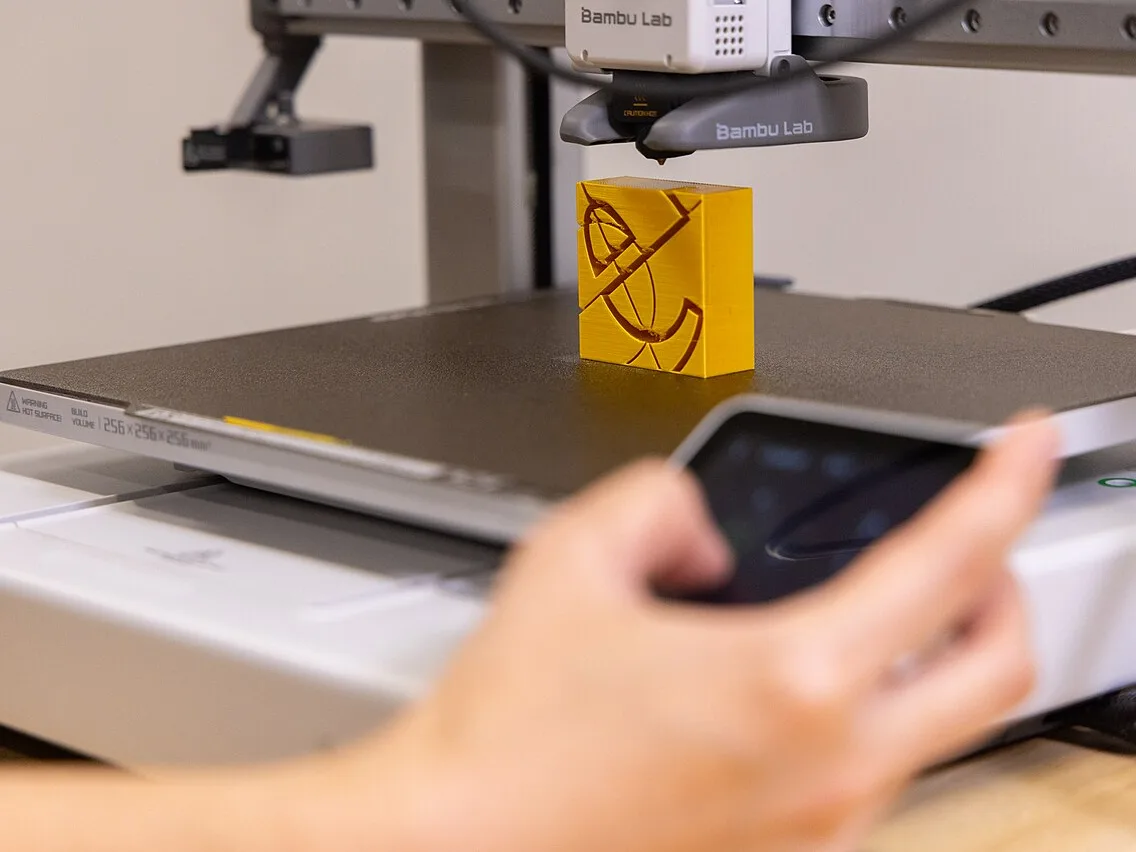
Both printers advertise a nominal 256 × 256 × 256 mm build volume. That is separate from the desk measurement and from the usable space in the actual sliced job.
P1S’s current listing notes a 250-mm default printable height in Bambu Studio, with a documented procedure for the remaining 6 mm. It also flags the cutter stopper’s effect on full-bed use. Supports, brims and orientation still need checking on either printer.
Bambu’s P1 full-volume instructions document the full-area and height changes together for printing without AMS. The front-left cutter exclusion is 18 × 28 mm; do not count that area as available in an ordinary AMS job. This procedure does not establish a separate 256-mm-height configuration with AMS.
For a part that exceeds the relevant usable limits, neither the enclosure nor the feeder fixes the size problem. Splitting the part or choosing a suitable larger printer is a different decision. Start with a sliced project footprint rather than the longest number in the product headline.
Later expansion is possible, but it isn’t included
A1 is not universally limited to AMS lite. Bambu’s current FAQ describes support for the larger AMS generations through a separate AMS Hub for A1 Series, SA013. The A1 firmware history introduced that support in printer version 01.07.00.00, requiring Bambu Studio 2.3.0 and Bambu Handy 3.8.0 or later. The larger AMS route cannot be mixed with AMS lite on the same printer at the same time.
If a future upgrade matters, price the exact hub, feeder, required connections, power and supported firmware together. The old side-layout diagram does not establish space for another feeder, and AMS 2 Pro’s drying power needs its own printer-specific check.
Likewise, “buy P1S now, add AMS later” can be a reasonable plan when single-spool printing serves the current need. Compare the actual later parts with today’s complete Combo before deciding it will save money. Existing compatible equipment and current package offers change that calculation.
I would choose the machine for the work it can perform in its selected purchase configuration, then treat future expansion as optional. A cheaper first payment can become a more expensive route if the omitted feeder is needed immediately.
Fill this small budget card
For a concrete two-colour basket, Bambu listed PLA Basic with spool, 1 kg, at $17.99 in both Black and Jade White on November 23, 2026. Both colours showed a two-roll price of about $16.19 each. If that discount applies to your Black and Jade White basket, use $32.38 for filament in place of the $35.98 below. Each roll comes on a spool. If you buy a refill, you’ll need a compatible spool of your own. The grade’s instructions permit AMS use; follow its preparation guidance before printing.
| Automatic two-colour purchase | Printer/feeder plus those two spools |
|---|---|
| A1 Combo | $359 + $35.98 = $394.98 |
| P1S original-AMS Combo | $479 + $35.98 = $514.98 |
| P1S AMS 2 Pro Combo | $509 + $35.98 = $544.98 |
For a hypothetical $500 cap, that A1 basket leaves $105.02 before tax, delivery and any missing preparation or workspace equipment. Neither P1S automatic-feeding basket meets the cap. A standalone P1S can still serve an appropriate single-spool job; purchasing two colours does not give it automatic switching.
| Check before ordering | Your answer |
|---|---|
| First part and exact filament grade | Record the actual project and permitted printer/feed route |
| Automatic colour changes needed now? | If yes, identify the feeder included in the selected box |
| Required nozzle or wear-part changes | Include only the compatible parts the grade requires |
| Filament preparation and storage | Price missing equipment; don’t assume a feeder is the required dryer |
| Operating workspace and stable support | Check the real arrangement, not the shipping or build-volume dimensions |
| Remaining delivered cost | Add tax, destination delivery and required consumables |
If the permitted colour job and complete A1 arrangement fit, the A1 Combo’s extra $10 buys the included automatic colour workflow. If the material requirement points to an enclosed printer and colour isn’t needed yet, the P1S standalone is the more relevant starting box. If neither an automatic feeder nor an enclosure is needed for the intended job, look again at the $259 A1 before spending the difference.